
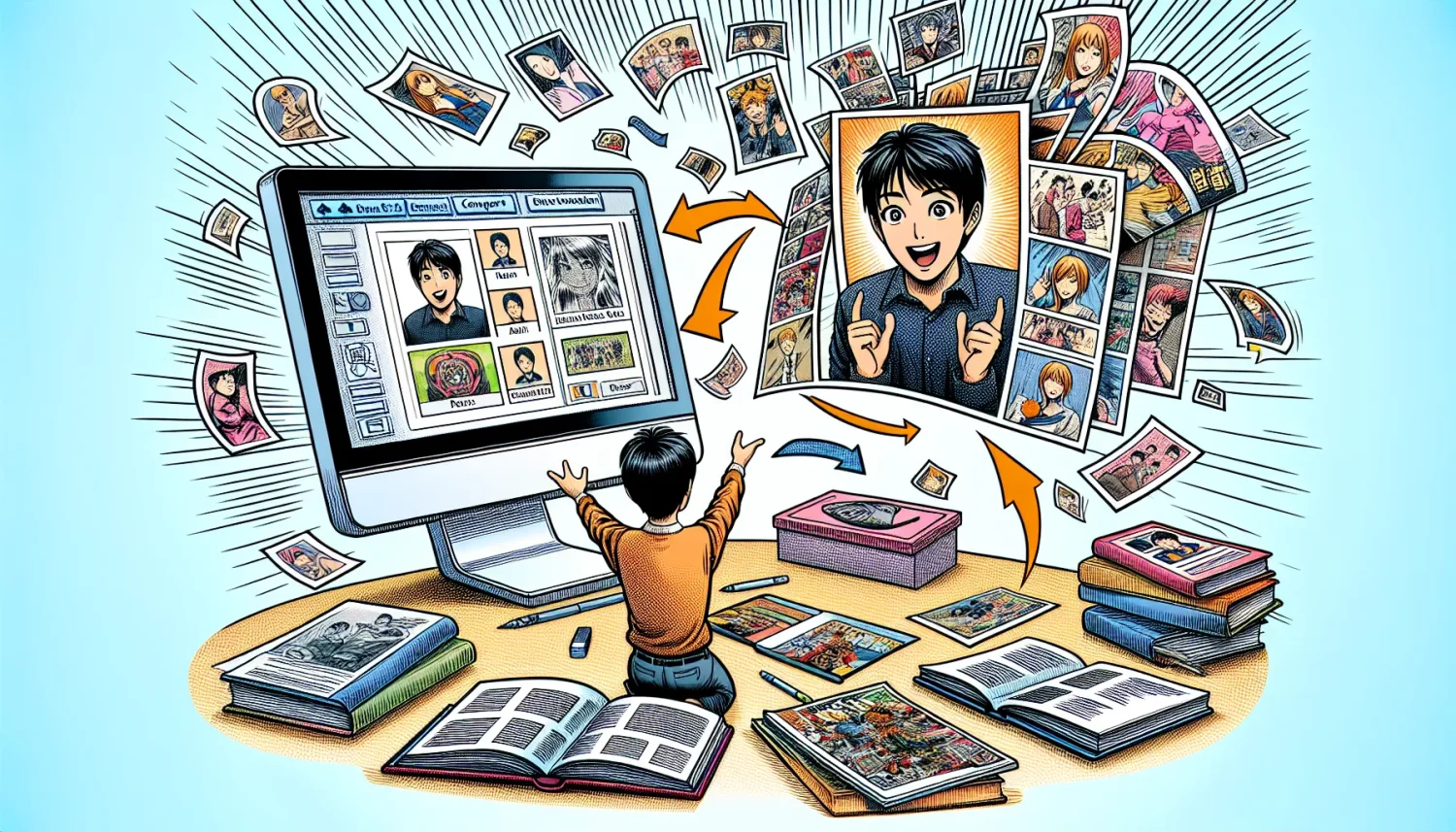

A groundbreaking free and open-source AI tool is making waves in the world of comic and manga creation. This innovative technology can transform a single photograph into a manga or comic book-style image, opening up new possibilities for artists, storytellers, and enthusiasts alike.
The tool, known as “Photo to Shoujo Manga,” is available on Hugging Face, a popular platform for machine learning models. Created by user Tori 29 Umai, this AI-powered application offers two distinct styles: shoujo manga and plain. Each style provides unique artistic interpretations of the input images.
How It Works
Using the Photo to Shoujo Manga tool is straightforward:
- Upload an image or drag and drop it onto the interface
- The AI automatically removes the background
- A prompt is generated based on the image content
- Users can adjust the photo fidelity to influence the final output
- Choose between shoujo manga or plain style
- Click generate to create the manga-style image
The tool’s ability to handle complex poses, multiple subjects, and even expressions is impressive. It can transform scenes from movies, sports activities, and everyday life into convincing manga-style artwork.
Shoujo Manga vs. Plain Style
The two available styles offer different artistic approaches:
Shoujo Manga Style: This style is characterized by big eyes, bold lines, and an overall aesthetic typically associated with manga aimed at a female audience. It produces images that look hand-drawn and stylized.
Plain Style: This option creates images with finer, more detailed lines. The results often resemble initial sketches or drafts, with a mix of bold and thin lines that give the impression of a work in progress.
Potential Applications
This AI tool has numerous potential applications in the creative industry:
- Adapting films or TV shows into manga format
- Assisting artists who struggle with drawing but want to create comics
- Rapid prototyping of manga or comic book ideas
- Creating unique artwork from personal photographs
- Enhancing storytelling in various media
Installing and Running Locally
For those who want unlimited access to the tool without relying on online platforms, it’s possible to install and run Photo to Shoujo Manga locally on a personal computer. The process involves:
- Installing Git (if not already installed)
- Cloning the Hugging Face repository
- Setting up a virtual environment using Anaconda or Miniconda
- Installing the required dependencies
- Running the application locally
While the installation process may seem complex for beginners, it allows users to run the tool offline and without limitations.
Limitations and Considerations
Despite its impressive capabilities, the tool does have some limitations:
- Background generation is not its strong suit
- Some images may require custom prompts for optimal results
- Occasional artifacts or misinterpretations in complex scenes
- The minimum VRAM requirements are not specified (8GB is likely sufficient)
As with any AI-powered tool, users should be aware of potential copyright issues when transforming existing images or artwork.
The Photo to Shoujo Manga AI tool represents a significant step forward in the intersection of artificial intelligence and artistic creation. By making manga-style art more accessible, it empowers creators and opens up new avenues for storytelling and visual expression. As the technology continues to evolve, we can expect even more impressive and versatile applications in the future of comic and manga creation.
Frequently Asked Questions
Q: Is the Photo to Shoujo Manga tool completely free to use?
Yes, the tool is free and open-source. You can use it online with free daily credits on Hugging Face or install it locally on your computer for unlimited use.
Q: Can this tool handle multiple people or complex scenes?
The tool has shown impressive results with complex poses, multiple subjects, and even intricate scenes like boxing or jiu-jitsu practice. However, very crowded or highly detailed backgrounds may pose challenges.
Q: What are the system requirements to run this tool locally?
While exact requirements aren’t specified, a computer with at least 8GB of VRAM should be sufficient. The tool has been tested on an RTX 5000 with 16GB VRAM, but lower specifications may work as well.
Q: Can I use this tool for commercial projects?
The tool’s usage rights for commercial projects are not clearly stated. It’s advisable to check the licensing terms on the Hugging Face page and consider potential copyright issues, especially when using images of real people or existing artwork.
Q: How does this tool compare to traditional manga creation methods?
While this AI tool can quickly transform photos into manga-style images, it doesn’t replace the creativity and nuance of human artists. It’s best viewed as a complementary tool that can assist in the creative process, speed up certain tasks, or help those with limited drawing skills visualize their ideas.





